
Have you ever wished you could bring your ideas to life with just a few words?
New AI tools like Nano Banana, VEO 3, and Sora 2 are making that possible. When I first tried using them together, I was surprised by how easily they worked with each other.
By combining these tools, you can turn still images into moving, lifelike scenes, all by using simple text prompts.
How to Create AI Images With Nano Banana
AI tools today don’t require you to be a designer or coder. You can create visually impressive work just by describing what you want to see. This is called prompt-based creativity. Type your idea, and the AI interprets it into visuals, motion, or video.
It all starts with Nano Banana, an AI image generator that helps you design detailed, realistic images through simple instructions.
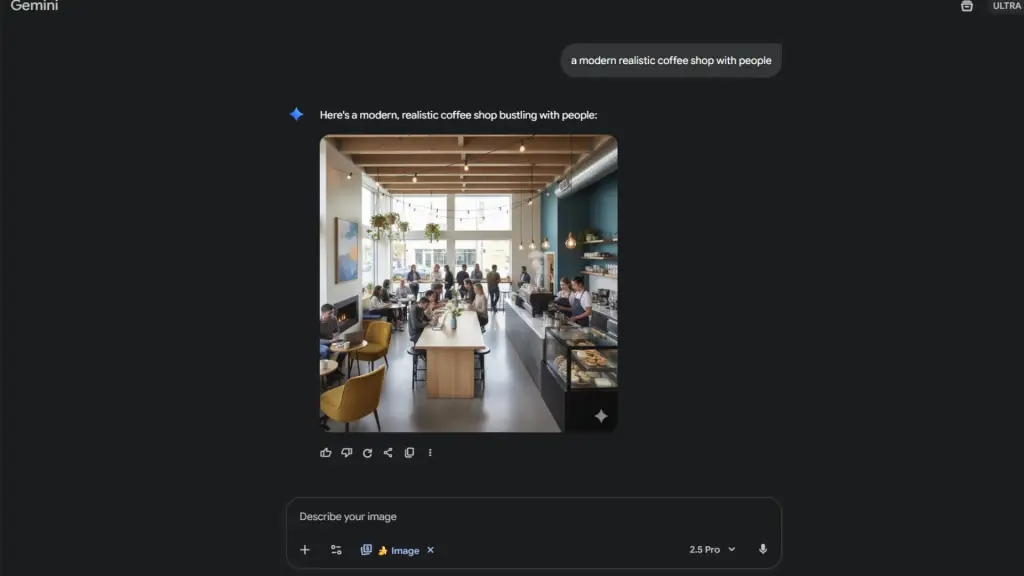
Type something like “a modern realistic coffee shop with people” and Nano Banana instantly turns your words into art. You can adjust colors, lighting, or style with new prompts until you get the perfect result.
Animating Images With VEO 3 or Sora 2
Once your image is ready in Nano Banana, the next step is making it move. This is where VEO 3 or Sora 2 comes in.
Both of these tools allow you to animate your creation and turn it into a short video, but they each do it differently, and you pick the one that best fits your goal.
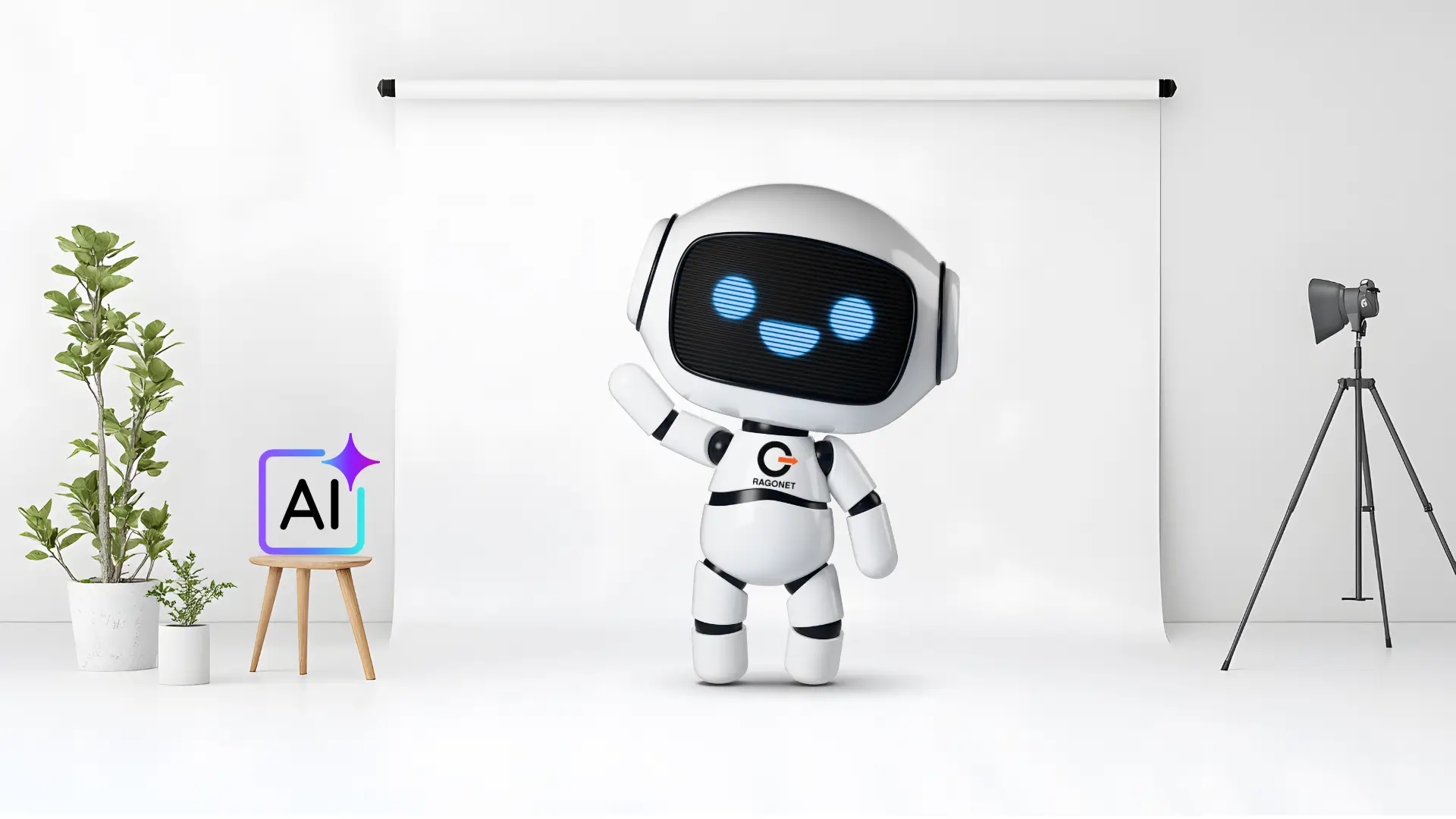
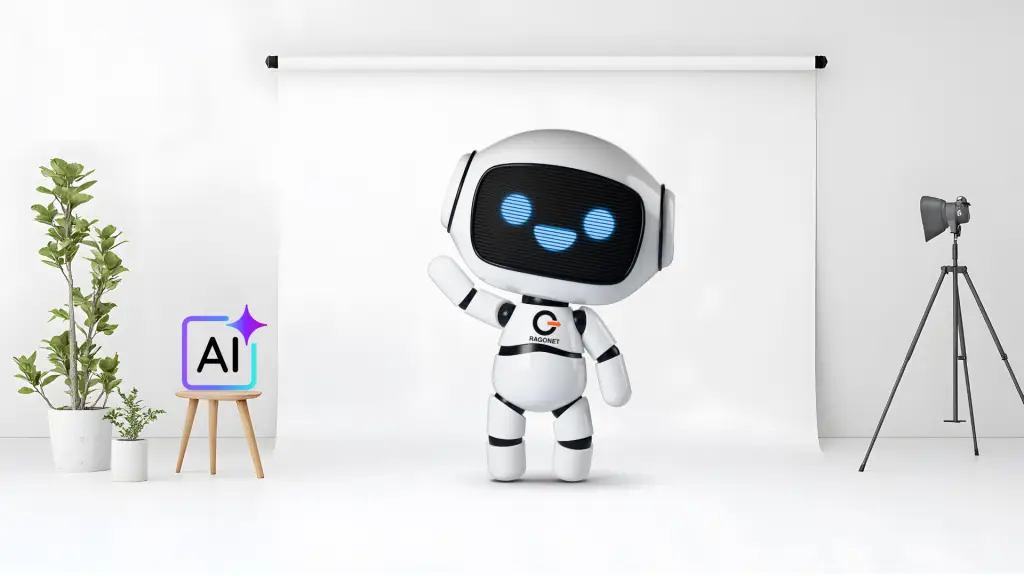
VEO 3, developed by Google, is known for creating cinematic, lifelike animations. For example, I used my AI Robot mascot image of a robot from Ragonet, then sent that image to VEO 3 and made the robot dance.
With a simple prompt like “Make the character do a fun rhythmic dance while waving its arms cheerfully,”
VEO 3 turned my static picture into a realistic, animated video. The result looked like it was filmed by a real camera – smooth, detailed, and full of motion.
Sora 2, created by OpenAI, focuses on speed and creative style. You can describe what you want, and it generates short, dynamic videos quickly.
While VEO 3 aims for realism, Sora 2’s clips are more expressive and artistic – perfect for dreamlike scenes, music video vibes, or when you want to experiment with visual storytelling.
Why Use Nano Banana, Veo 3, and Sora 2 Together
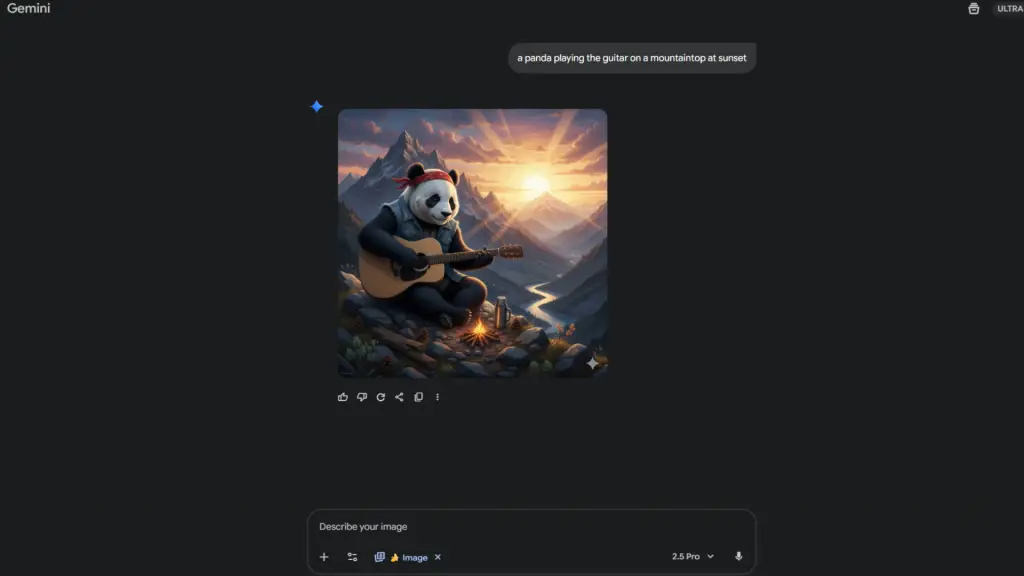
These three tools form a powerful creative workflow. Start in Nano Banana to create your scene – for example, “a panda playing the guitar on a mountaintop at sunset.”
Once you have the image, send it to VEO 3 if you want to animate it with lifelike motion, or use Sora 2 if you want a stylized, artistic result. Each tool is simple and flexible, and you control everything with your words.
Simple but Powerful AI Tools
One of the best things about these platforms is how user-friendly they are. You don’t need prior animation or design experience. Your words are your controls: type what you imagine, tweak the details with new prompts, and let the AI do the rest.
- Nano Banana: Best for generating detailed still AI images.
- VEO 3: Best for turning images into realistic, cinematic videos.
- Sora 2: Ideal for creating artistic, expressive, and storytelling-focused AI videos.
These tools are changing how people make art, teach lessons, market products, and tell stories. A small business can now create professional product videos without a video team. Teachers can make lessons more interactive and fun. Artists can experiment with new ideas faster than ever before.
Real vs. Artistic AI Styles
VEO 3 and Sora 2 each have their own look and feel. VEO 3 is for realism – videos that look like they were shot with a traditional camera.
Sora 2 is for expressive, creative, or dreamlike visuals. Nano Banana gives you the foundation and lets you choose which direction, realistic or artistic, you want to take.
You can think of VEO 3 as the director, Sora 2 as the artist, and Nano Banana as the photographer. Each adds a unique piece to your creative process.
Creative Storytelling With AI Tools
AI creativity tools aren’t just about making pretty visuals – they help people become storytellers. They break down technical barriers so anyone can turn imagination into images or videos.
People are using them in new ways:
- Writers bring book scenes to life visually.
- Marketers test ad ideas before investing in full campaigns.
- Educators make lessons more exciting with engaging visuals.
- Artists quickly try new concepts before finalizing projects.
Creating AI Videos Responsibly
Responsible use of AI matters. Both Google (VEO 3) and OpenAI (Sora 2) include features that reveal when a video is AI-generated, like invisible watermarking or labels and metadata. These help keep digital creativity ethical and transparent for everyone.
Creators should acknowledge when AI helps in their work, just as you’d credit a collaborator or editor. AI supports your vision; it doesn’t replace it.
The Future of AI Creativity
AI video and image tools keep getting better – longer videos, richer audio, and even voice-directed scenes are on the horizon. Soon, you might “direct” your AI video simply by speaking your ideas, not just typing them.
This new creative era is about speed, accessibility, and fun. Your words become your camera, your editor, and your creative brush.
New Creative Way to Make AI Art
We’re entering a new age where creativity and technology blend seamlessly. With Nano Banana, VEO 3, and Sora 2, you can design, animate, and tell compelling stories in a workflow that’s easy for anyone to use.
What once took a full creative team can now be done by one person, in minutes, with just a sentence.
Creativity is no longer limited by your technical skill – it’s limited only by your imagination and curiosity.
After all, it’s not about the AI technology itself – it’s about how you use it to tell your story and share your vision with the world.
Join the Ragonet community here and check out my free prompting template, shared in the Ragonet AI discussion forum.
– George