

In this article, we’ll dissect an intriguing trend – LoFi YouTube Videos.
In music, the word “LoFi” stands for “low fidelity” sound quality, which gives this type of music a specific aesthetic. It uses lower-quality sound techniques and often has slight imperfections (on purpose), which results in a nostalgic and calming experience.
The world is stressful, and people turn to music to escape it, specifically to LoFi tunes. LoFi music is primarily used for concentration, relaxation, and anxiety relief, which is why it has been trending lately.
Many LoFi music videos are presented in a continuous format that lasts for hours. Some creators even go live with them and have hours of them playing on a loop all day long.
While the main component of such videos is the music, the visual aspect still matters. Most videos feature anime-inspired artwork: it can include a student in a cozy study setting, an anime-style cat with headphones on, or a view of a rainy city from a window.
Most visuals consist of two factors – a still image with just one moving object, such as rain, a hand moving with a pen, a fire softly crackling, or tree leaves rustling.
LoFi videos are a content trend that resonates with a massive audience worldwide. They also do not require tons of skills or equipment to create… Speaking of – let’s dive into how you can create faceless LoFi videos and hop on this evergreen trend.

Your Step-By-Step Guide To Creating Lo-Fi Videos
Step 1: The Music – The Heart of Your Video
Option 1 – The most efficient route to getting your content out there. Use pre-existing music; you can find it on royalty-free sound platforms like Artlist, Epidemic Sound, or YouTube Audio Library. These platforms offer a variety of music you can use without copyright issues.
You can also find a LoFi producer and request to collaborate. Think of these producers as nano or micro influencers, but for music. Many of them will happily collaborate with you in exchange for exposure, credit, and money.
Option 2 – Make your own LoFi music. This option would suit you if you are already in the music industry, or at least know and understand the basics of producing music.
To get started, you will need a Digital Audio Workstation (DAW). Some popular examples are GarageBand, Audacity, and FL Studio.
Here are the key components of LoFi music:
- Mellow Drum Pattern: LoFi drums are simple, slow, and have a “vinyl” feel.
- Jazzy Chords: You’ll need smooth and jazzy chord progressions. Soft acoustic pianos or electric pianos would make a good choice.
- Simple Bassline: A warm and round bassline is all you need for a LoFi song.
- The LoFi Effect: Sound effects like the equalizer, bitcrusher, and the vinyl crackle will degrade the audio (on purpose) and give it the vibe you’re looking for.
Step 2: The Visuals
Your visual should be a looping animation of the same picture.
Option 1 – Use royalty-free image and video platforms like Freepik, Pexels, or Shutterstock to find a visual that fits your taste and download it.
Option 2 – If you like to do things yourself, you can create your own visual with tools like Adobe Photoshop, Krita, and Adobe After Effects (for the loop animation).
Common elements for a LoFi visual include:
- A character: a girl/boy studying, a cat lying on a pillow, a girl sitting with a cat listening to music, or a girl and a boy sipping coffee and watching a fire.
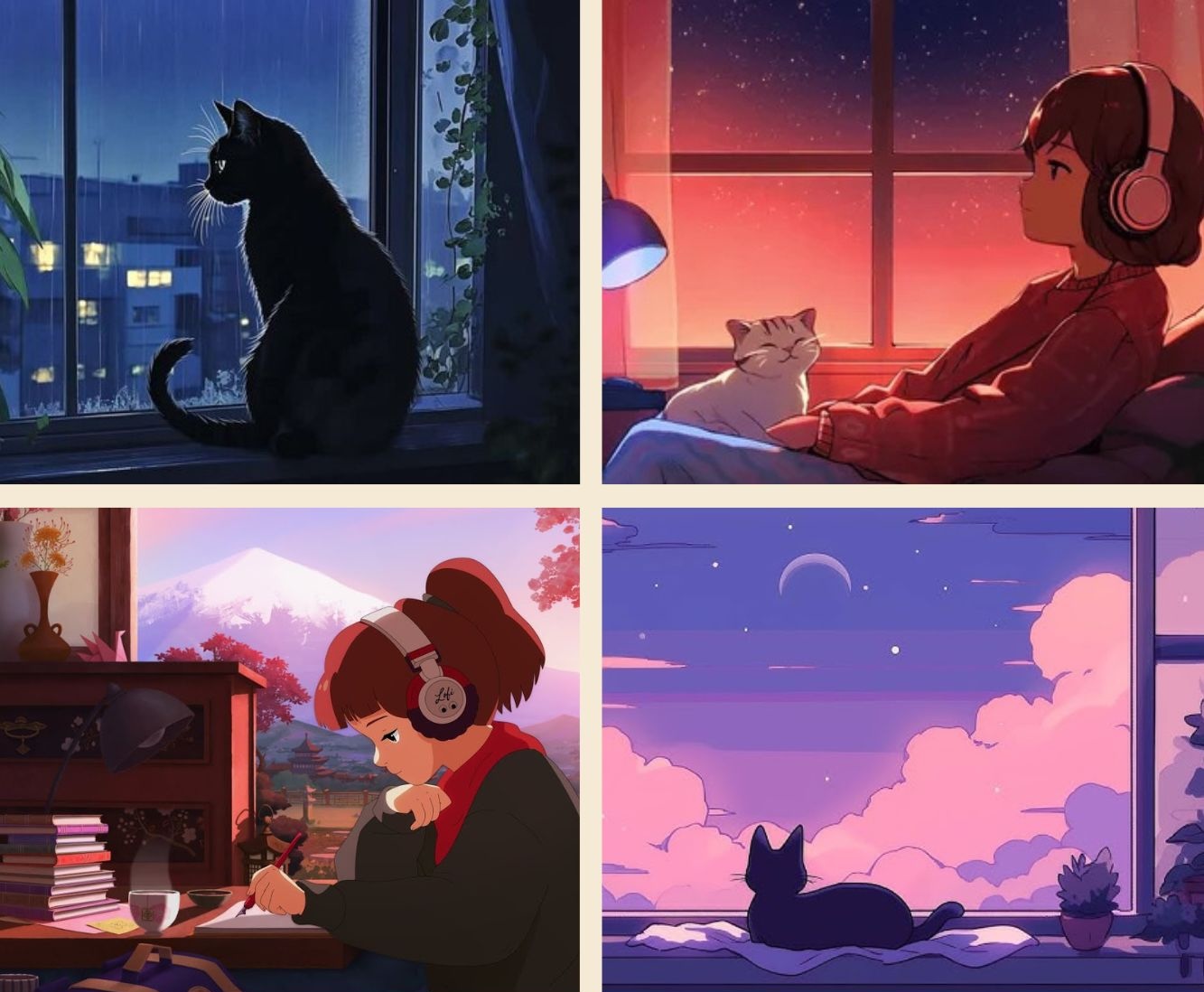
- A cozy setting: a dimly lit room, a desk with books and a window in the background, a couch in front of a fireplace, or a rainy city view in the window.
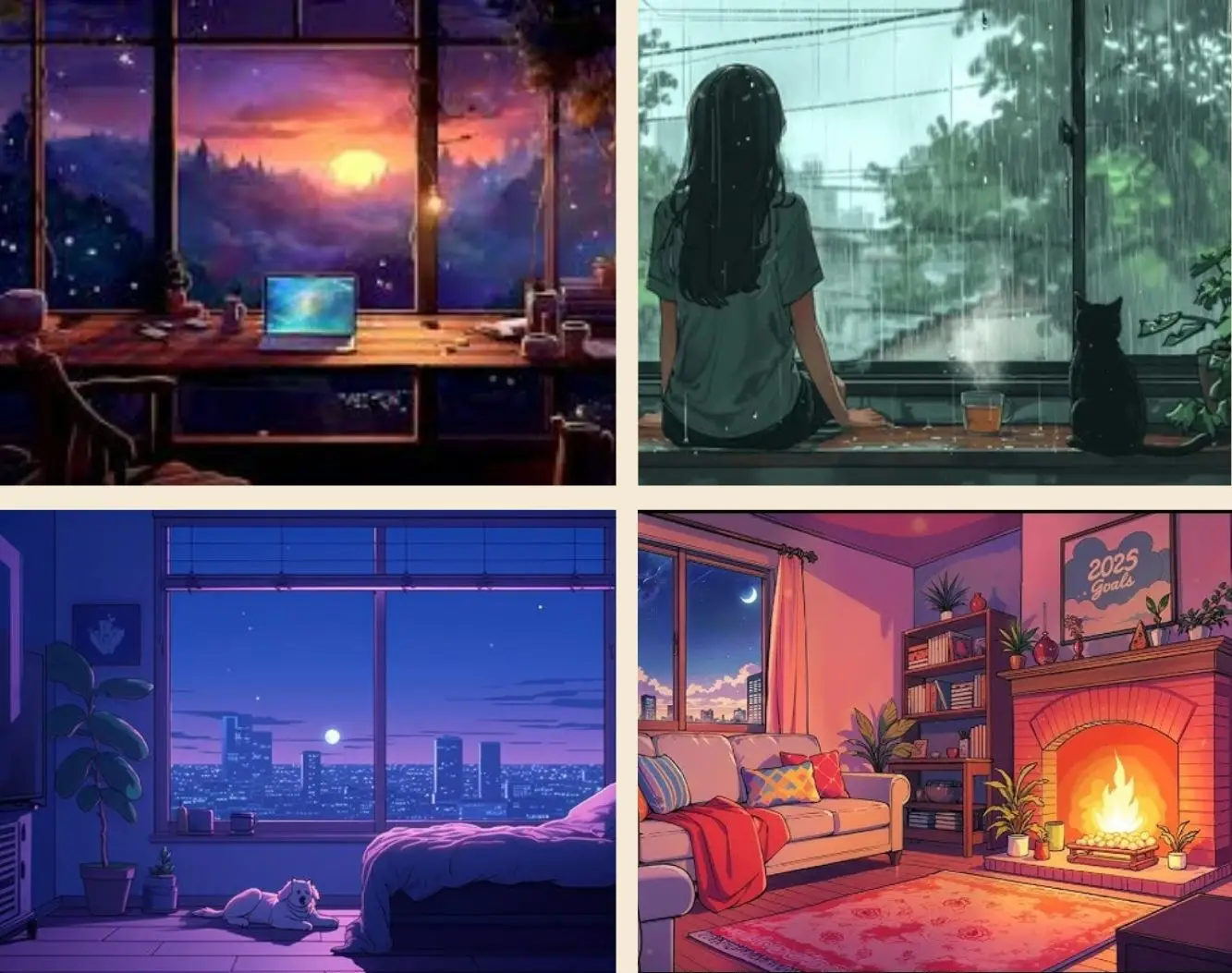
- Subtle animation, such as a cat’s whiskers slowly moving, leaves falling outside, raindrops gliding down the window, fire burning, or steam rising from a coffee cup.

Option 3 – Use an AI image and/or video generator like Veo3 or Invideo AI to bring your idea to life.
Once you have your complete visual, export it and move on to step 3.
Step 3: Putting It All Together
By now, you should have your visual and audio. The following steps will help you combine the two into a complete LoFi video.
First, find a video editor. Use tools like Adobe Premiere Pro, iMovie, Shotcut, or DaVinci Resolve.
Now, it’s time to edit everything together into one video. To do so, follow these steps:
- Start a new project using the video editor of your choice.
- Import your pieces (the visual and audio).
- Place your visual on the video track.
- Place your music onto the audio track (below the video one). If you have multiple tunes, arrange them in your desired order. Ensure a nice flow from song to song and that none of them overlap with each other.
- Loop your visual by copy-pasting the animation until it matches the length of the audio track. (That should be performed on the video track.)
- Optional: add text overlays. You can add a title, such as “Chill Study LoFi Beats”.
- Export your video.
- Upload it to YouTube. Go to YouTube and find the + Create button in the top right corner of your screen. It is located next to your profile and the notifications buttons.

Follow the prompts to finish the upload.
Royalty-Free Audio and Images
Here is a list of royalty-free sound and image platforms you can use to create LoFi Music Videos:
Music
Images
LoFi YouTube videos are an evergreen content trend that anyone can leverage and enjoy. Use this guide to start gaining views and engagement today!
Want more actionable tips continually? Subscribe to Vavoza Insider to access the latest business and marketing insights, news, and trends daily with unmatched speed and conciseness. 🗞️
Key Contributors: Stephanie Hill, Vlad Strizheus